New Product Updates – March 2026

Mississauga, ON – March 30, 2026
At GoFleet, we’re committed to providing the innovative tools you need to stay ahead in an evolving industry. This month’s updates focus on deepening your safety insights, simplifying regulatory compliance, and expanding the way you track and communicate with your entire fleet. By bridging the gap between hardware-driven data and mobile-first management, we’re giving you more flexibility than ever to protect your assets, empower your drivers, and drive operational efficiency from a single, unified platform.
Top MyGeotab Updates
Enhanced Trips History (Beta)
- The Feature: A complete overhaul of the Trips History interface featuring a modern UI, precision filtering, and optimized performance. Key map upgrades include asset-specific logic (emphasizing “stopped” segments), color-coded trip segments, and synchronized highlighting between the map and data cards.
- Why It Matters: Fleet managers can interpret data faster and with greater accuracy. The “Smarter Trip Management” tools—like the “View by” switcher (Asset, Driver, or Date) and direct asset links—streamline daily workflows and reduce the time spent hunting for specific trip details.
- Note: Available under Account > Profile > Beta Features. Toggle Trips History to On to participate.
GO Focus Plus & Video Coaching Enhancements
- The Feature: Introduction of Continuous Driver Verification (passive facial analysis), a Driver Score display within the mobile app, and Smart Rules Escalation to distinguish between minor incidents and persistent non-compliance.
- Why It Matters: These updates shift fleet safety from reactive monitoring to proactive coaching. By giving drivers direct access to their performance and automating identity verification, fleets build a culture of accountability while reducing “noise” for managers.
- Note: Generally available mid-March 2026; currently excludes LATAM and FedRAMP users.
Granular Clearances for Work Order Management
- The Feature: The introduction of three distinct authority levels for maintenance tasks: View (read-only), Edit (modify existing), and Full Access (create and delete). Permissions can now be set on a per-page basis (e.g., Schedules vs. Work Orders).
- Why It Matters: This is essential for large organizations or those with strict regulatory requirements. It ensures data integrity by preventing accidental deletions and ensuring that only authorized personnel can alter maintenance histories.
- Note: Accessible via People > Clearances by searching for “Maintenance.”
Enhanced Visibility for Linked Assets
- The Feature: A new Linked Assets column on the Assets page that automatically displays pairings (e.g., truck-trailer) derived from HOS logs in the Geotab Drive™ app or co-location algorithms.
- Why It Matters: Centralizes asset pairing information into a single view. This eliminates the need to navigate multiple menus to see which equipment is traveling together, which is a major win for logistics and field service operations.
- Note: To keep the UI clean, this column remains hidden by default if no linked assets are detected in your database.
Auto-Enrollment for Order Now Add-Ins
- The Feature: An automated system for enrolling devices into Marketplace Order Now solutions based on specific groups. Managers can now assign or remove auto-enrollment groups at any time without reinstalling the Add-In.
- Why It Matters: Reduces administrative burden and scales with growing fleets. It ensures new vehicles are automatically activated with necessary software services from day one, minimizing manual errors and billing discrepancies.
- Note: Manage these settings via the renamed Add-In Subscriptions page.
GoFleet Product Updates
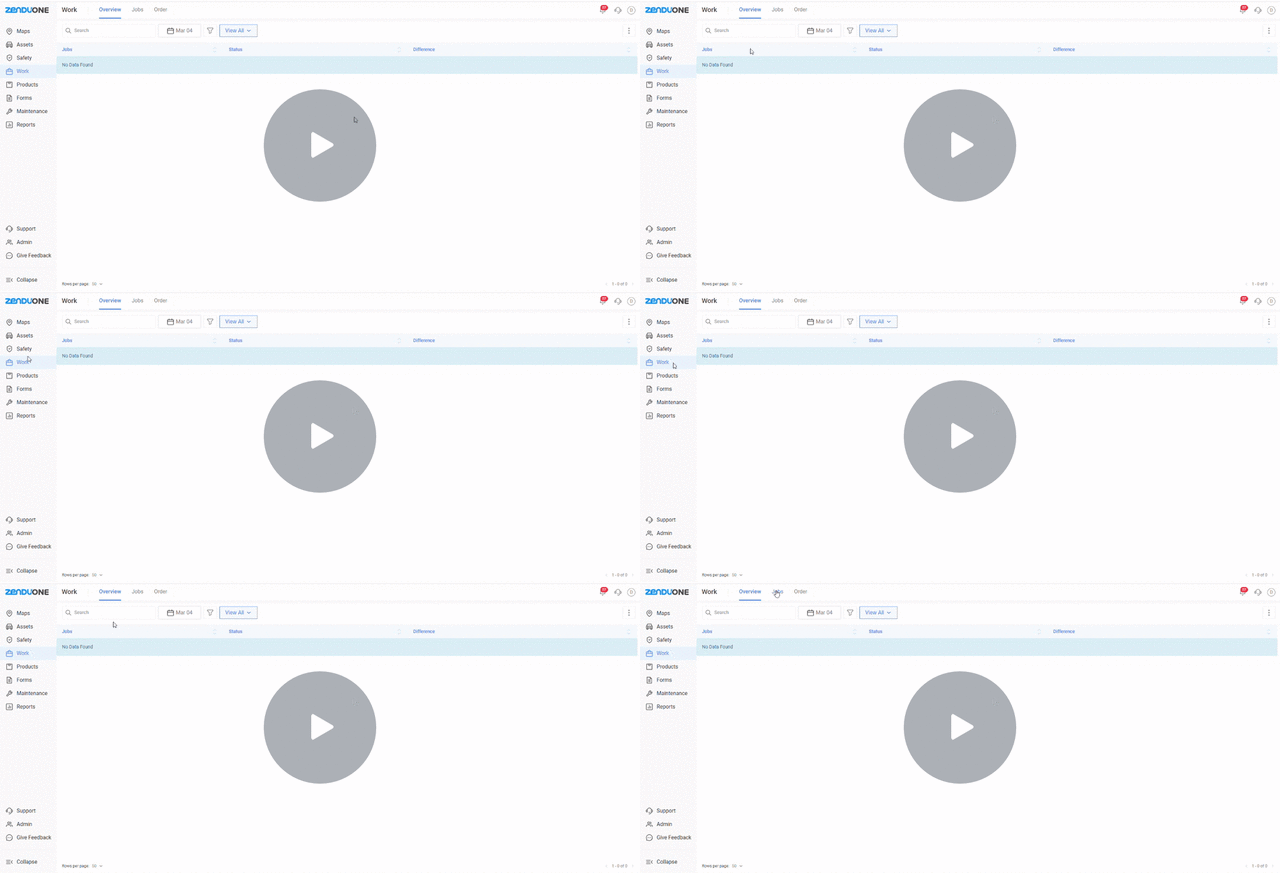
Schedule Repeating Jobs Every Month
We’ve added a Monthly Recurring Jobs feature so you can schedule tasks that repeat on a specific date each month. This includes better date labels (like 1st or 2nd), new filters to see jobs by month, and total flexibility to edit assignments whenever you need.
Key Updates
- Select specific dates for jobs to repeat every month during creation
- Use ordinal date formatting such as 1st, 2nd, and 11th for easier scheduling
- Access new month-based filters and recurring fields within Custom Views
- Edit recurring settings or reassign drivers without deleting the job series
Why It Matters
- Eliminates the risk of forgetting routine tasks by automating the recreation process
- Saves valuable time by removing the need for manual one-by-one job entry
- Allows managers to see a broader view of monthly commitments across all locations
Watch Demo →
Better Tools for Assigning Drivers and Vehicles
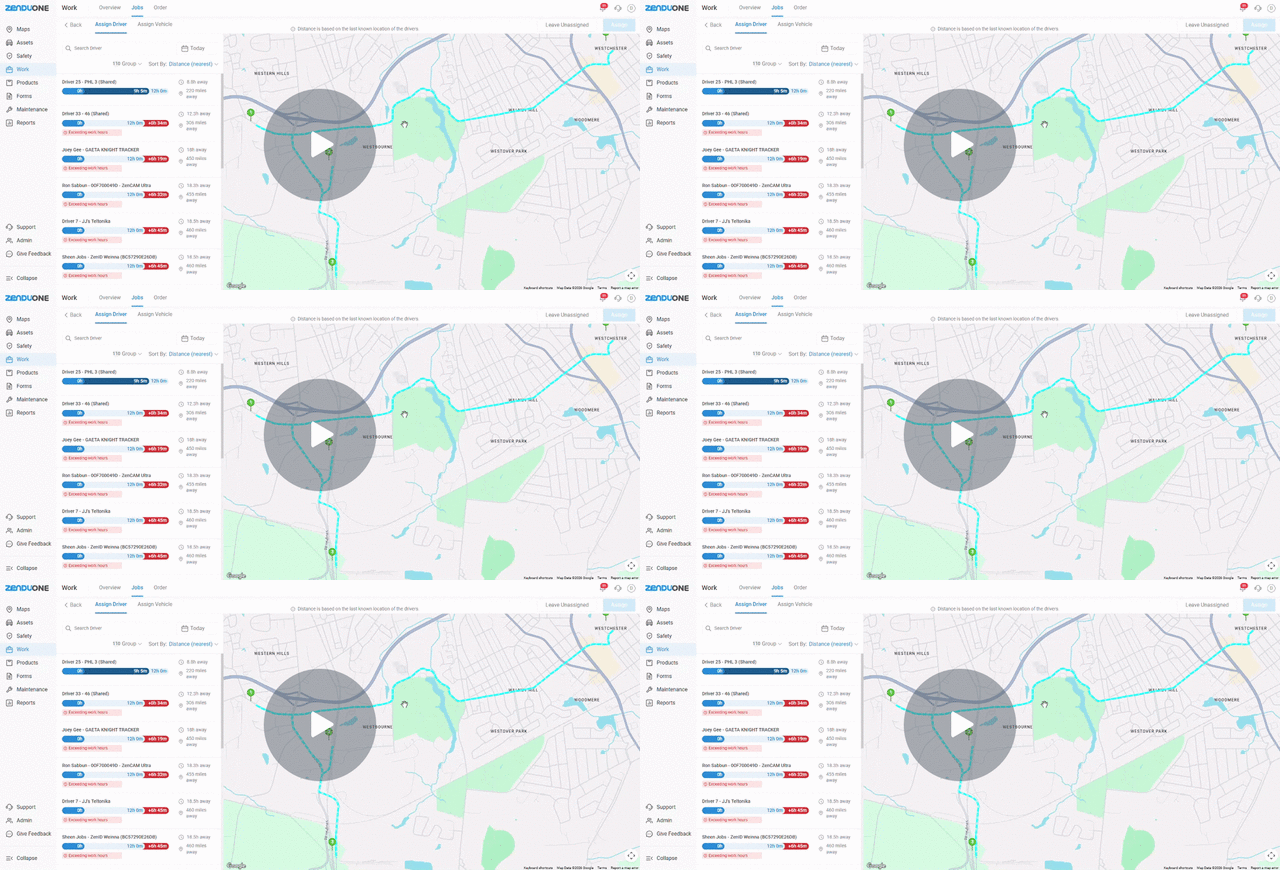
We’ve split the Assignment Screen into two clear tabs: one for Drivers and one for Vehicles. This makes it easier to see exactly where your drivers are on a map so you can assign the best person for the job.
Key Updates
- Navigate separate Assign Driver and Assign Vehicle workflows for better focus
- View driver locations on a map with calculated distance to the first job stop
- Identify ready drivers at a glance with real-time availability indicators
- See the specific relationship between the assigned driver and vehicle on job pages
Why It Matters
- Enables dispatchers to assign the closest available driver using real-time data
- Provides operational flexibility by allowing jobs to remain unassigned when needed
- Shifts dispatching from guesswork to logic-based assignments based on proximity
Watch Demo →
Upload and Edit Many Users at Once
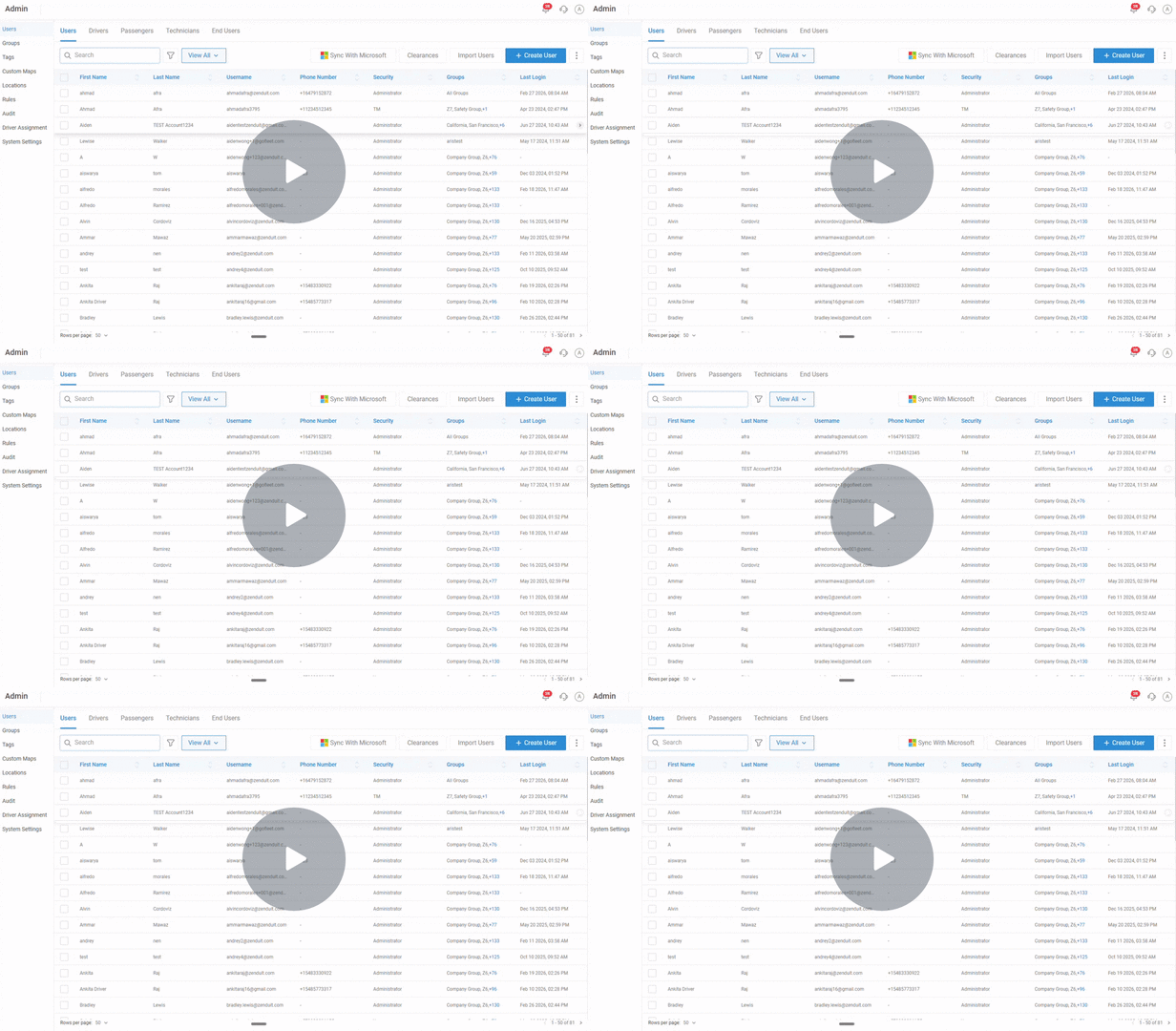
You can now import hundreds of users at the same time using a simple template. This update also lets you bulk-edit settings like time zones or security levels in seconds.
Key Updates
- Onboard hundreds of users at once using a downloadable import template
- Perform bulk edits on time zones and security levels for specific groups
- Align user data fields easily during the import preview and mapping stage
Why It Matters
- Minimizes the human errors common with manual one-by-one user setup
- Allows administrators to manage large workforce changes in minutes rather than hours
Watch Demo →
Instant Alerts for Offline Devices
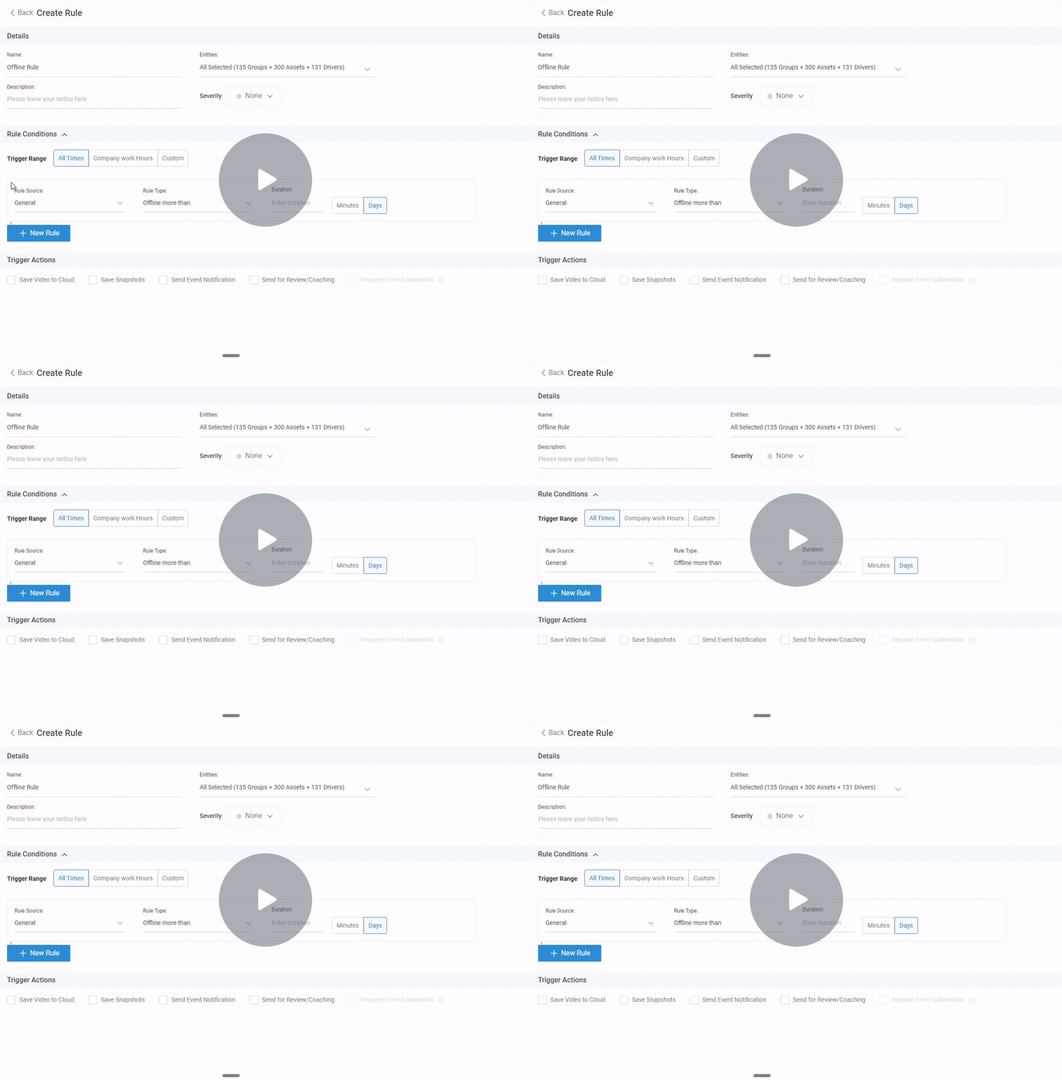
We’ve added a new Offline Device Rule so you get a notification the moment a device stops communicating. You can set the alert to trigger after a few minutes or a few days.
Key Updates
- Configure new Offline Device Rules under the General Rules section
- Set custom offline duration alerts in days or minutes for specific devices
- Receive proactive notifications via email or push when a device goes dark
Why It Matters
- Ensures teams are immediately notified of power or connectivity failures
- Maintains smooth operations by preventing small hardware issues from escalating
Watch Demo →
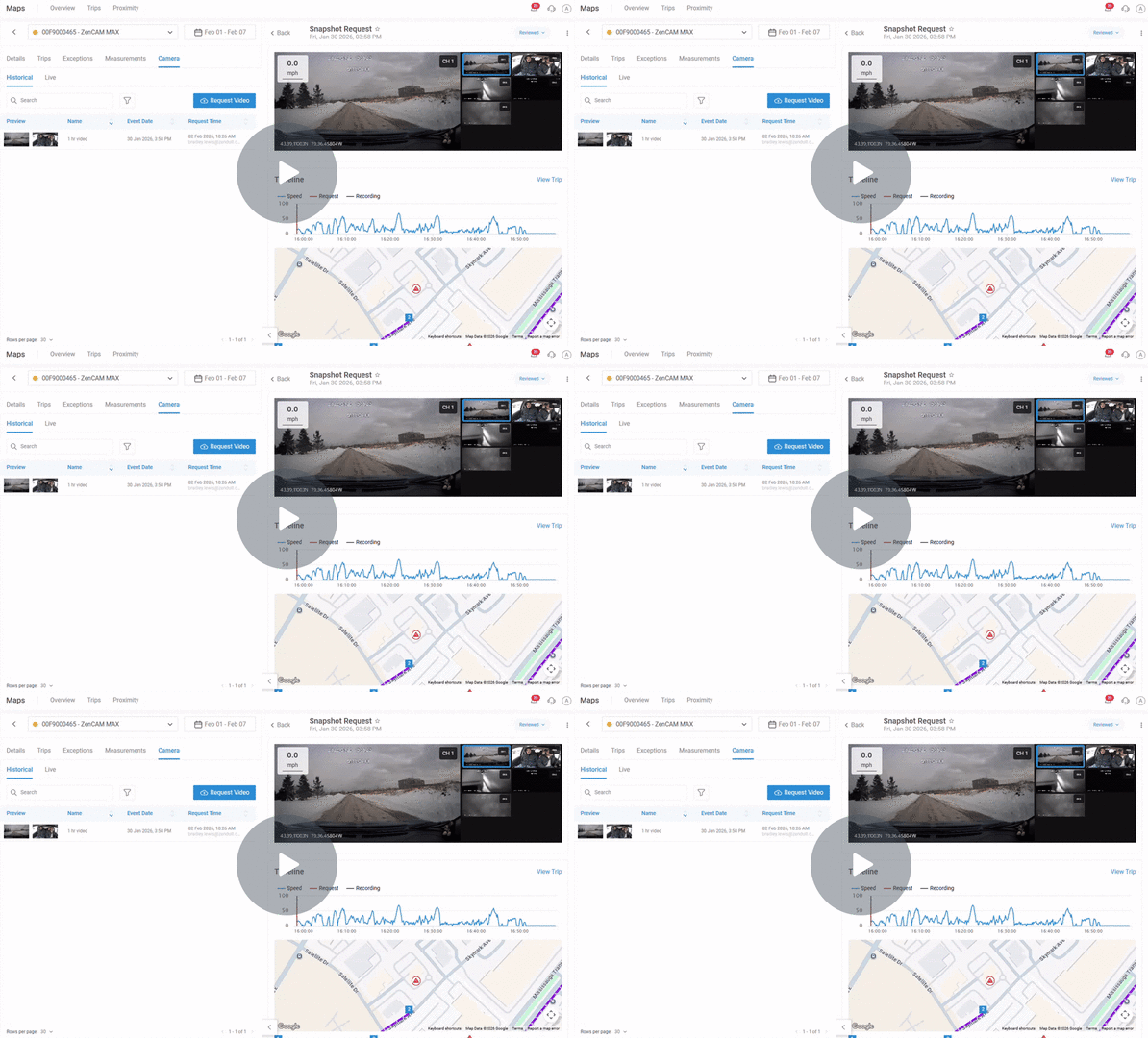
Request Longer, Single-Clip Videos
You can now request continuous video clips up to 8 minutes long. We’ve also upgraded Hyperlapse so you can scan through an hour of footage in just a few seconds.
Key Updates
- Receive continuous clips up to 8 minutes rather than disjointed shorter segments
- Use second-level precision for more accurate and granular video requests
- Access upgraded Hyperlapse features to review one-hour events in seconds
Why It Matters
- Maintains full context during investigations to reduce confusion and errors
- Saves administrative time by allowing teams to scan long timeframes quickly
Watch Demo →
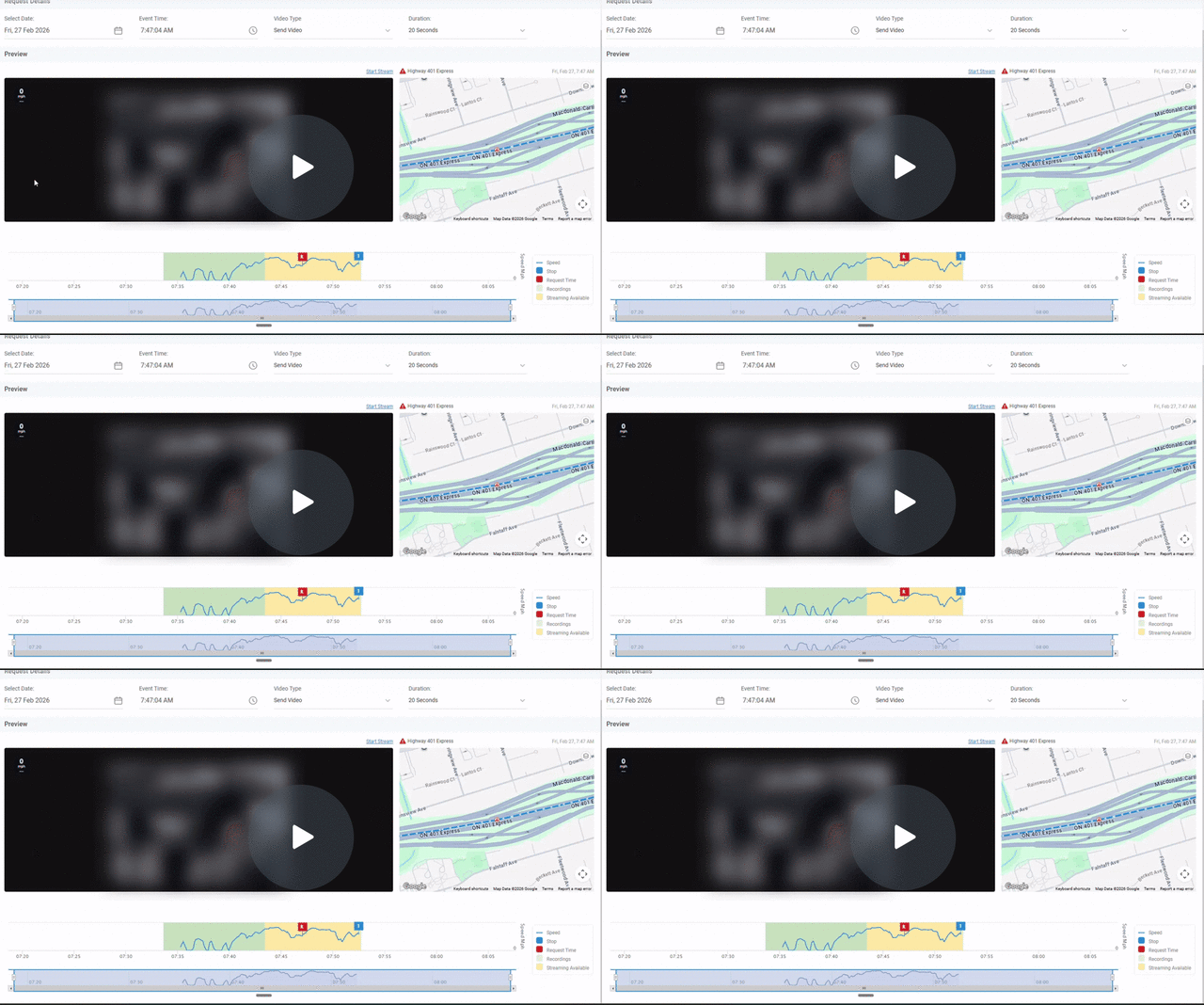
Rewind Live Video Up to 3 Hours
Historical Streaming lets you jump back in time to see what happened recently, even if the video hasn’t finished saving to the cloud yet.
Key Updates
- Stream video backward for up to three hours from the current time
- Access footage even if some intervals are not yet fully processed or available
- Identify fully available recordings via green shaded areas on the timeline
Why It Matters
- Reduces investigation delays by providing immediate access to recent incidents
- Improves operational speed by allowing safety teams to act on video without delay
Watch Demo →
About GoFleet
We don’t just provide another GPS fleet tracking system. We are in the business of providing you with telematics solutions that ultimately, improve your bottom line while increasing your operational efficiencies and the safety of your workers. Our fleet consultants work with you to understand your business in order to implement solutions based on everyday pain areas and industry best practices. Of course, it helps to have the industry’s most powerful and reliable GPS vehicle tracking system, but the real value is in our customer service. Let us show you the GoFleet difference. GoFleet – Connected Intelligence, Smarter Solutions.
