New Product Updates – April 2026

Mississauga, ON – April 30, 2026
At GoFleet, we are dedicated to building the powerful technology you need to thrive in a high-speed market. This month’s updates prioritize sharpening your security oversight, automating complex compliance tasks, and revolutionizing how you monitor and engage with your diverse workforce. By merging high-fidelity vehicle diagnostics with intuitive digital tools, we are providing unparalleled agility to safeguard your equipment, support your team, and accelerate business performance through one seamless ecosystem.
Top MyGeotab Updates
Next Gen GO (GO10): The New Benchmark for Fleet Intelligence
The Next Gen GO (GO10) is now generally available across the United States and Canada. More than just a tracking device, the GO10 serves as a powerful operational hub with a next-generation processor, high-speed 4G LTE, and native Bluetooth® connectivity. It features integrated I/O pins for monitoring complex vehicle states like power take-off (PTO) and seatbelt usage without manual configuration.
Why It Matters: The GO10 elevates fleet management from passive tracking to active control.
- Theft Mitigation: Includes an “energy reserve” that acts as a digital tripwire, sending a final location and notification if the device is tampered with or loses power.
- Operational Hub: Allows for remote tasks, such as vehicle immobilization, directly from the MyGeotab dashboard.
- Wireless Gateway: Native Bluetooth pairs with beacons to track small assets without additional wiring.
Note: The GO10 is fully video-ready for the GO Focus camera family. However, it removes some legacy protocols; for vehicles manufactured prior to the early 2010s, we recommend continuing with the GO9B.
Enhanced Safety: Collision Risk for Ford OEM Vehicles
The MyGeotab Collision Risk feature now supports Ford OEM-connected vehicles. Ford is the first manufacturer to meet the rigorous data standards required to power advanced safety insights without the need for an aftermarket device. Fleets on a Ford OEM Premium data plan can now access deep risk analytics directly within the platform.
Why It Matters This update allows for consistent safety enforcement across a mixed fleet.
- Predictive Insights: Access driver risk profiles and collision predictions based on factory-installed telematics.
- Unified Standards: Monitor harsh braking, cornering, and speeding using the same thresholds applied to your GO-equipped vehicles.
- No Hardware Required: Reduces installation downtime for Ford fleets while maintaining high-fidelity safety data.
Note: Qualifying Ford vehicles will automatically appear on the Collision Risk page after recording 50 km of driving. While this supports core safety, specialized features like accident reconstruction still require a GO device.
Data Visualization: Geotab Ace Interactive Charts
Geotab Ace has been upgraded to proactively visualize data. When users ask questions involving trends, comparisons, or data over time, Ace no longer just provides text—it automatically selects the most suitable chart type and renders it directly in the response window.
Why It Matters This feature simplifies data-driven decision-making by removing the manual steps of exporting data to create visuals.
- Contextual Clarity: Asking for “monthly fuel usage over the past year” now returns an interactive line chart, making consumption trends instantly visible.
- Automated Logic: Ace decides when a chart adds value; if the data tells a clearer story visually, the platform renders it automatically without special phrasing needed.
Note: This feature is designed to bridge the gap between raw data and actionable intelligence, allowing even non-technical users to grasp complex fleet trends in seconds.
MyInstallHub (MIH) is Officially Live!
My Install Hub is officially live, providing a revolutionary platform and service model designed to eliminate the complexity of fleet deployments. If you are an installer or a business looking to streamline your vehicle technology installations, My Install Hub is your partner in achieving seamless, efficient, and quality deployments. By combining senior project leadership with a dedicated mobile app, MIH ensures every project, from single vehicles to fifty-vehicle multi-site rollouts, is scoped, led, and executed to the highest quality standards.
- Marketplace Bidding: Post installation projects once to receive competitive bids from qualified installers locally and nationwide.
- Mobile Management: Track every job from start to finish and manage projects end-to-end directly from your phone.
- Hardware Expertise: Professional installation for everything from core Geotab GO9 units and dash cameras to complex winter spreaders and roadwatch sensors.
From project posted to install completed, everything runs in one place. No more email chains, lost quotes, or scattered customer communication.
- View released projects and bid
- Win bids & stay connected with the customer
- Assign installers to customer locations
- Complete the install
Visit the website myinstallhub.com
Download the app on Google Play →
Download the app on App Store →
ZenCAM Geotab Map Add-In Integration
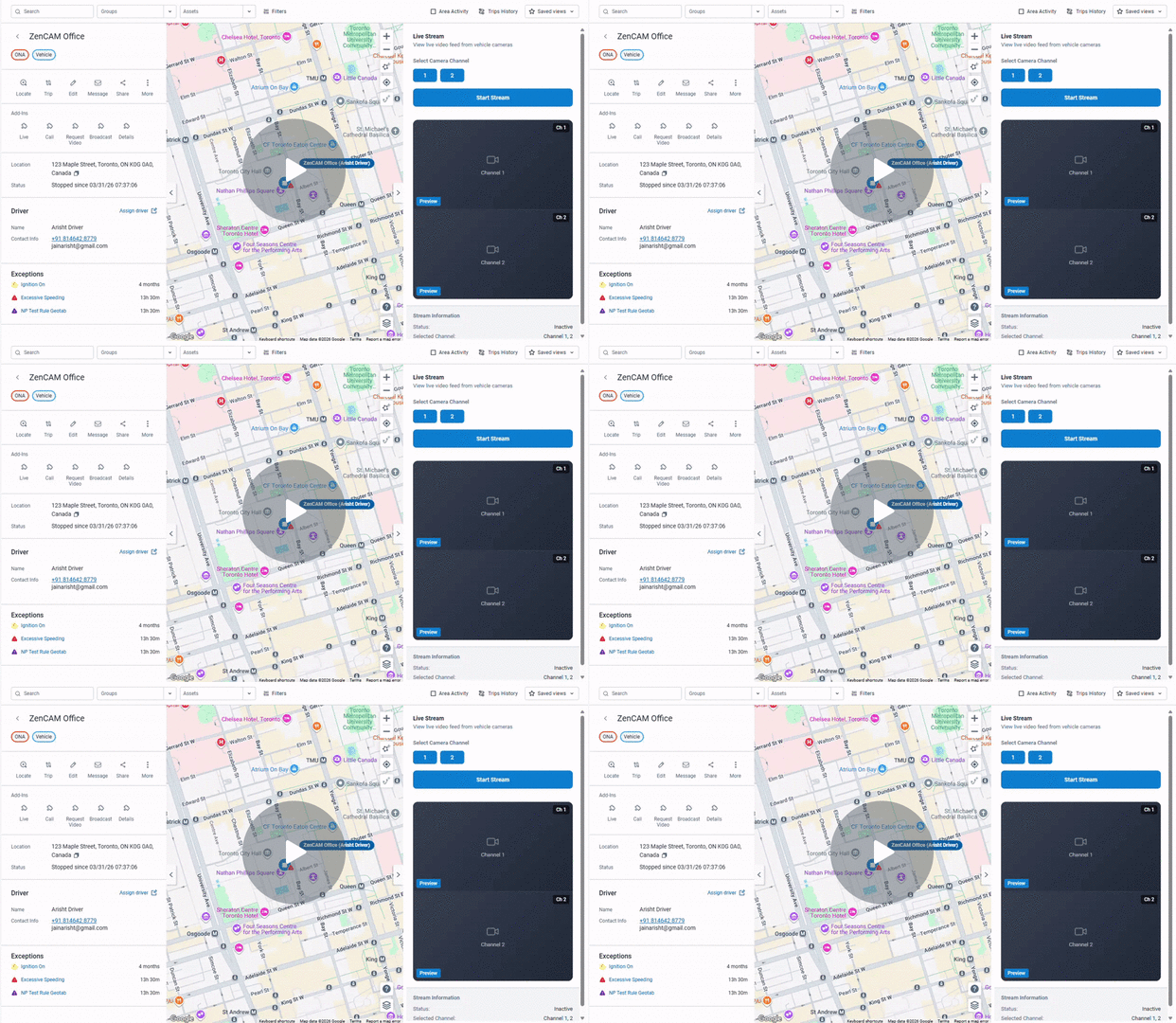
Unified Fleet Visibility Without System Toggling This release introduces the latest evolution of the Geotab map add-in within ZenduONE, designed specifically to unify camera operations within the Geotab ecosystem. By embedding critical video functions directly into the standard mapping interface, users no longer need to switch between multiple software platforms to manage their fleet’s visual data.
Key Updates
- Seamless Map Integration: Access live video and historical requests without leaving the Geotab map or trip history views.
- Live Multi-Channel Streaming: View single or multiple camera feeds in real-time to monitor active field operations.
- Direct Driver Communication: Engage in instant messaging or calling with drivers directly from the map interface.
- Unified History Requests: Request and play back historical video clips synchronized with Geotab trip data.
Why It Matters
This update significantly slashes response times during critical incidents by centralizing your entire camera workflow into a single view. By eliminating the need to toggle between different systems, it reduces operational complexity for dispatchers and ensures that every second counts when managing fleet safety.
Watch Demo →
Don’t Wait for Recordings – Stream It Now
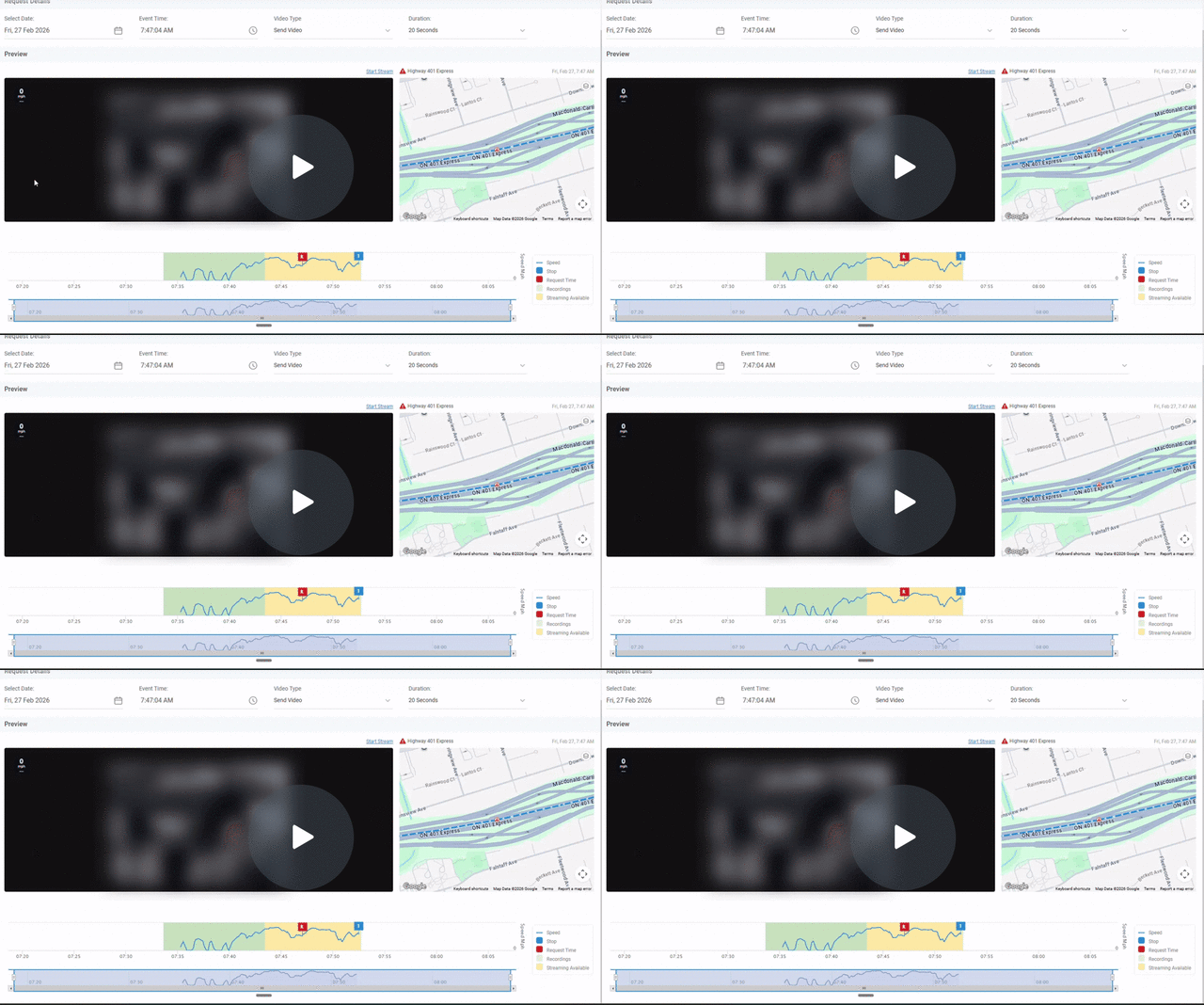
The latest enhancement to our streaming engine allows users to pull video footage even before the system has officially processed or “landed” the recording file. You can now stream footage from the current timestamp going back up to three hours, providing immediate visual context for active or very recent events.
Key Updates
- Zero-Wait Streaming: Access footage from the current time up to 3 hours back instantly.
- Pre-Processing Access: View video even if the recording hasn’t been officially made visible in the system yet.
- Confirmed Footage Visuals: System indicators clearly distinguish between live streaming data and confirmed saved recordings.
- Proactive Review: Review incidents immediately before requesting a formal download or file transfer.
Why It Matters
This feature removes the previous limitations on video access, allowing safety teams to investigate incidents the moment they occur. By providing instant clarity on high-stakes situations, it enables faster decision-making and ensures that investigators have the visual proof they need without administrative delays.
Watch Demo →
Automated AI Coaching Digests
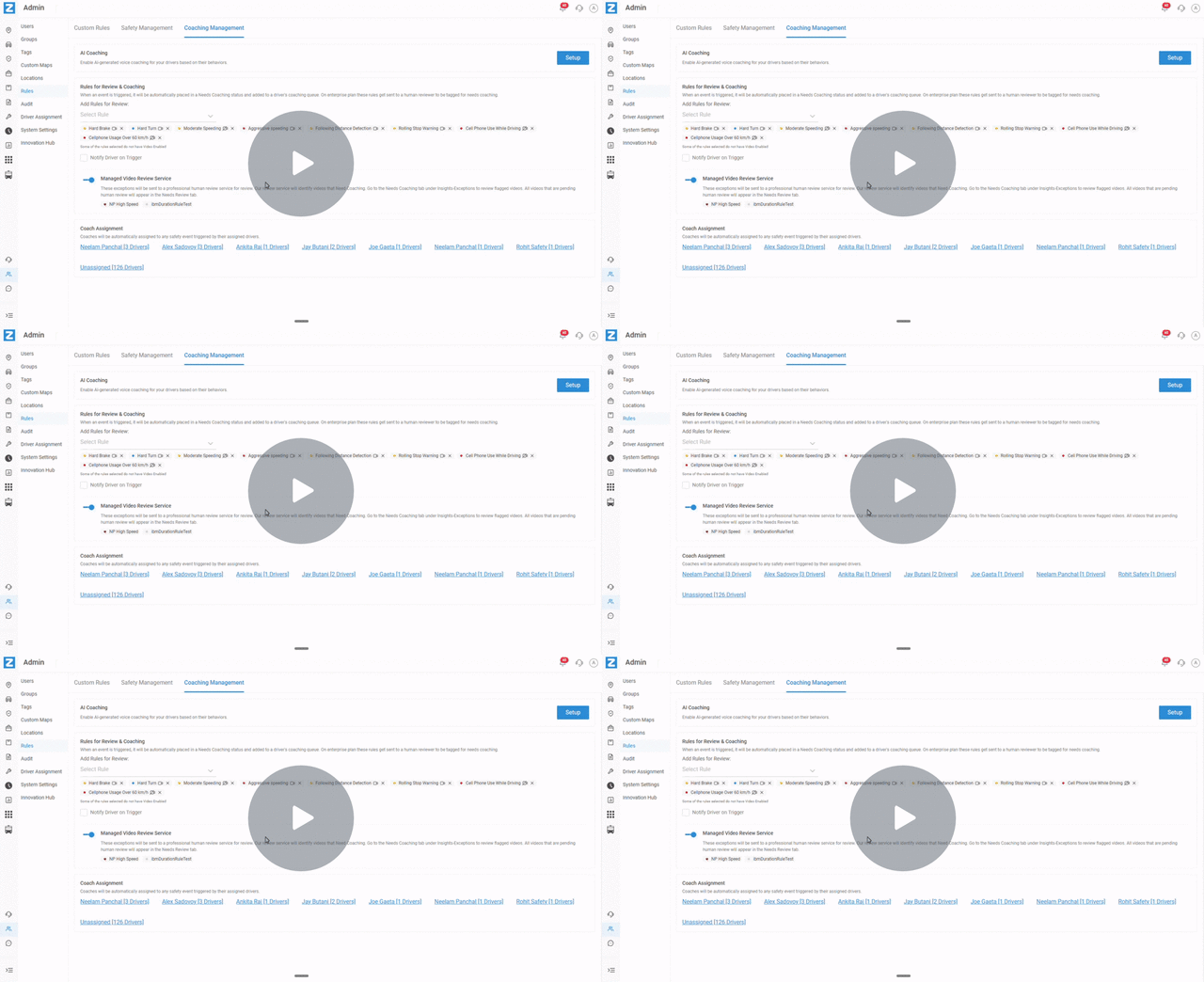
Our new AI Coaching tool leverages advanced behavioral analysis to automatically deliver personalized audio digests directly through the vehicle camera. This system moves beyond simple alerts by providing drivers with a structured summary of their performance on a daily, weekly, or monthly schedule.
Key Updates
- Behavioral Analysis: Automatically reviews driver activities to identify key safety trends and exceptions.
- Personalized Audio Feedback: Delivers specific, actionable coaching digests directly to the driver via the in-cab camera.
- Intelligent Scheduling: Supports flexible delivery frequencies (daily, weekly, monthly) to match fleet needs.
- Redundancy Logic: Built-in scheduling logic prevents drivers from being overwhelmed by multiple alerts on overlapping days.
Why It Matters
This update solves the challenge of managing massive amounts of driver data with limited safety personnel. By providing consistent, individual coaching to every driver at scale, it ensures that safety is prioritized at the start of every shift without increasing management overhead.
Watch Demo →
AI Driver Coaching & Automated Digests – Watch Video
Relay & Buzzer Control for ZenTRACK
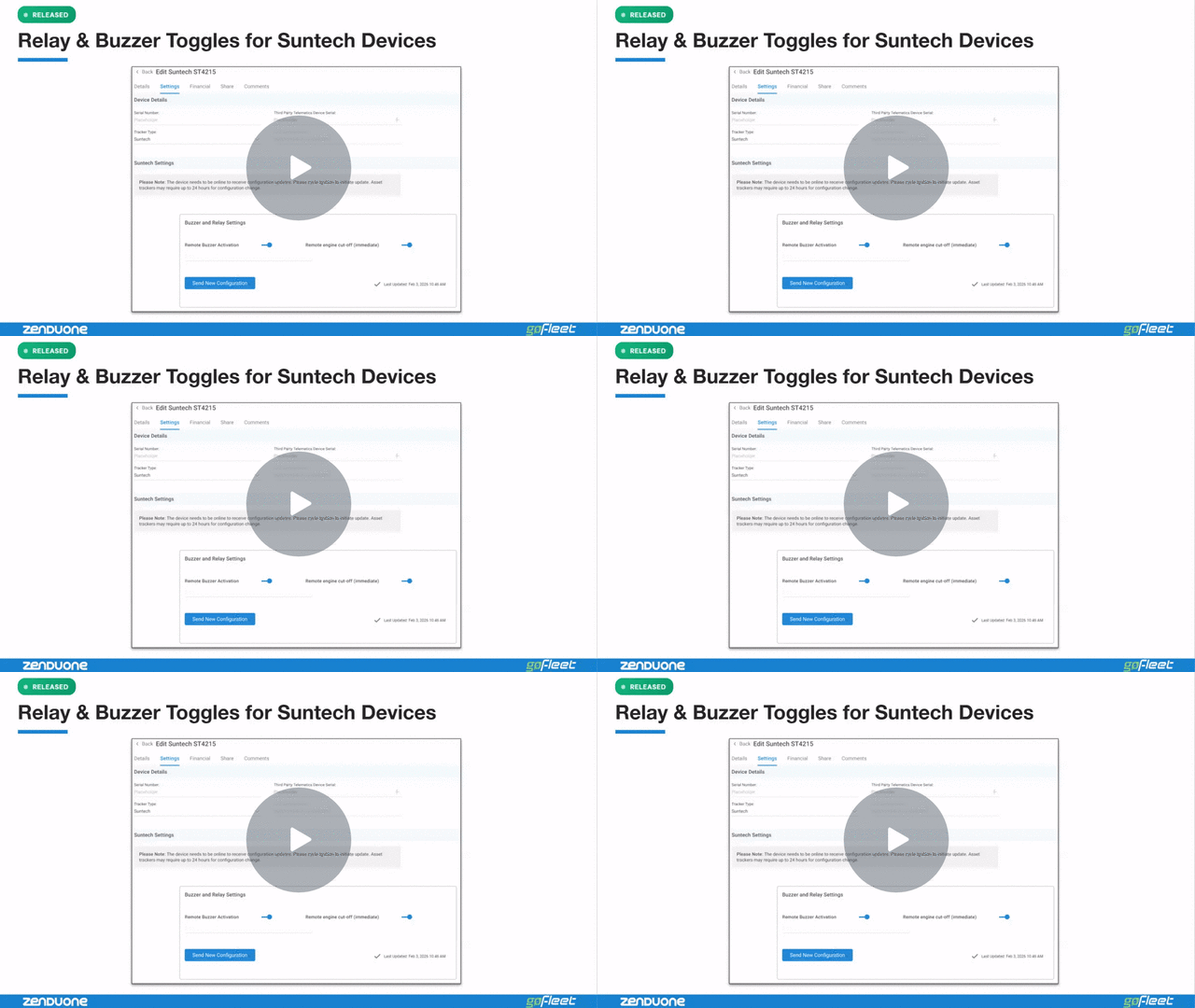
The platform now supports native remote control of vehicle relays and buzzers for Suntech devices directly within the Asset Settings interface. This feature transforms the system from a passive tracking tool into an active operational response platform, allowing administrators to execute real-time commands with instant UI feedback.
Key Updates
- Native UI Toggles: Execute relay and buzzer commands using simple, intuitive switches rather than manual text commands.
- Real-Time Status Tracking: The interface confirms whether a command is pending, successful, or has failed.
- State Persistence: The system always stores and displays the latest known state of the relay and buzzer.
- Permission-Based Control: Leverages existing platform security to ensure only authorized personnel can execute commands.
Why It Matters
By making device control workflow-native, this update eliminates the technical barriers that often prevent non-technical teams from using advanced security features. Whether it’s locating a vehicle via a buzzer or disabling it via a relay in a security scenario, teams can now act instantly without relying on manual command strings or engineering support.
Watch Demo →
The New ZenduONE Driver App (Beta)
The ZenduONE Driver App (Beta) is designed to be the single source of truth for everything a driver needs during their shift. It replaces the traditional “Operational Chaos” of paper forms, manual phone updates, and fragmented communication with a streamlined, digital workflow.
Key Updates
- Digital Workflow Management: Move from paper forms to structured, connected digital journeys.
- Real-Time Status Updates: Automatically sync shift progress with the back office, reducing the need for check-in calls.
- Unified Compliance Tools: Integrated safety and operational tools designed for driver ease-of-use.
- Retention Tracking: Provides visibility into driver performance and engagement to help manage turnover.
Why It Matters
Manual reporting currently costs fleets an average of 45 minutes per driver every single day. By reclaiming this time and reducing the friction drivers experience with paperwork, fleets can significantly boost operational efficiency while simultaneously tackling the high industry turnover rate.
About GoFleet
We don’t just provide another GPS fleet tracking system. We are in the business of providing you with telematics solutions that ultimately, improve your bottom line while increasing your operational efficiencies and the safety of your workers. Our fleet consultants work with you to understand your business in order to implement solutions based on everyday pain areas and industry best practices. Of course, it helps to have the industry’s most powerful and reliable GPS vehicle tracking system, but the real value is in our customer service. Let us show you the GoFleet difference. GoFleet – Connected Intelligence, Smarter Solutions.


